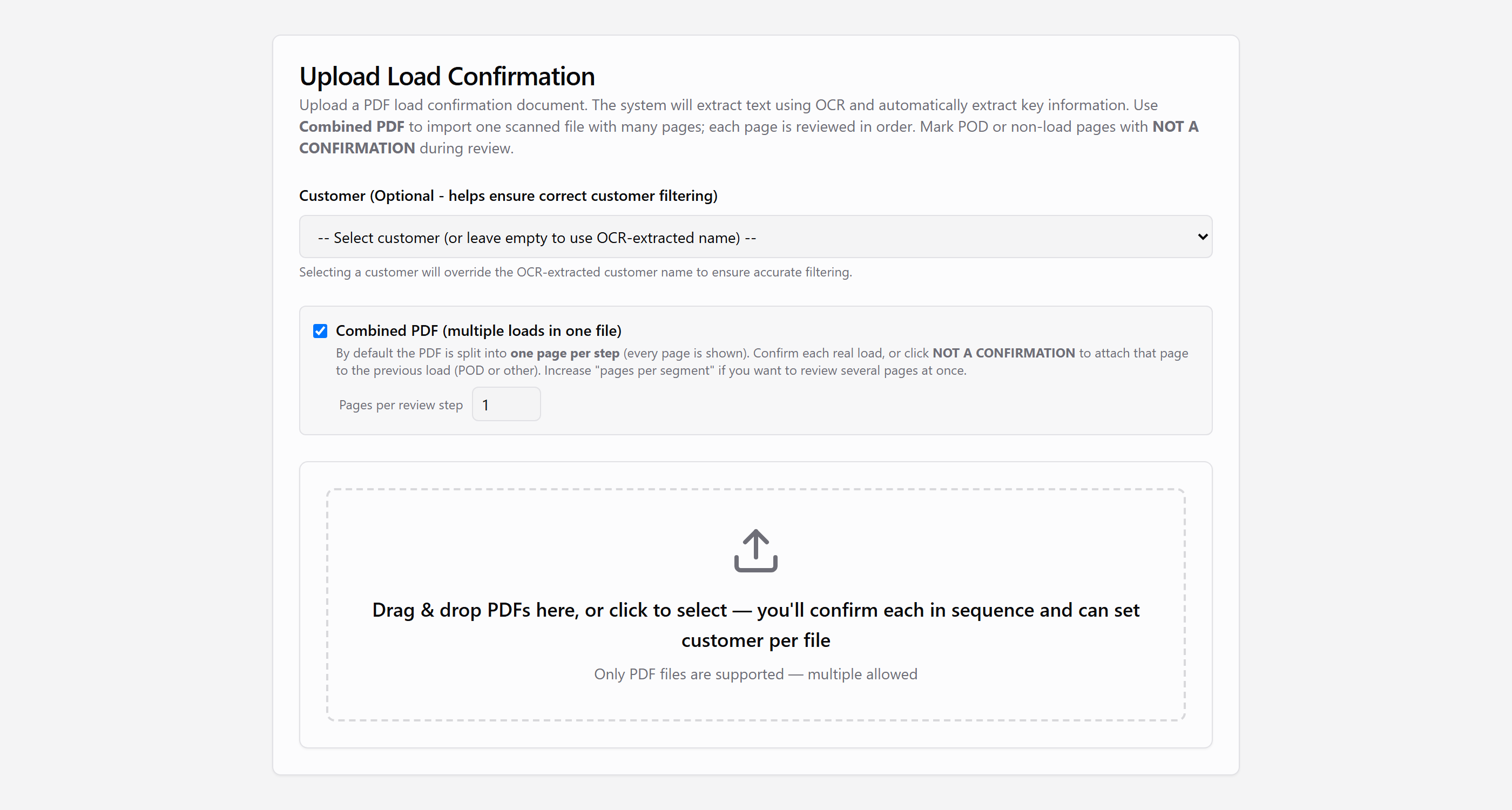
Scan a stack. Upload it once.
Drop in one confirmation or a whole batch. Combined PDF mode lets you set how many pages belong to each load, so multi-page scans and POD pages stay with the right confirmation.
Invite-only beta for carriers in Canada and the US. To request access, email support@loadcan.com
LoadCan
Built for carriers in Canada and the US. AI extracts the details from your PDFs; you confirm them, then generate and send a clean invoice.
Same job as other carrier invoicing tools — a clearer path from confirmation to paid.
Built for carriers on both sides of the border — not a US-only tool with Canada left out.
AI extracts load details and helps generate the invoice. You confirm company names and addresses before anything is saved.
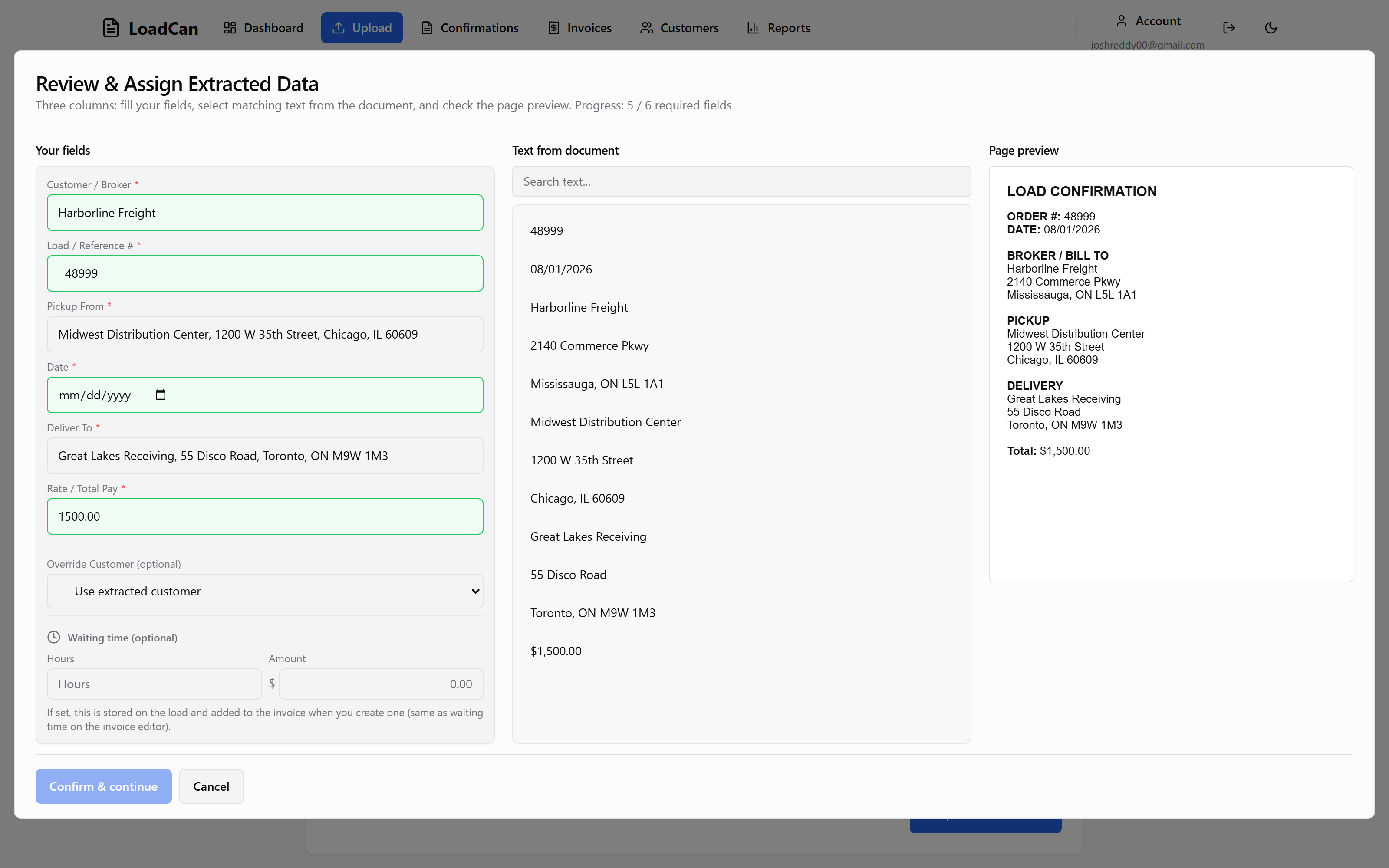
Click text from the document to fill or correct each field. Nothing ships on guesswork alone.
From confirmation PDF to sent invoice — AI-assisted extraction and generation, with you in control. Built for carriers in Canada and the US.
Drop in one confirmation or a whole batch. Combined PDF mode lets you set how many pages belong to each load, so multi-page scans and POD pages stay with the right confirmation.
AI reads the confirmation and pulls load details. On the review screen, assign or correct customer, pickup, and delivery by selecting text from the document — so nothing is saved until you say it is right.
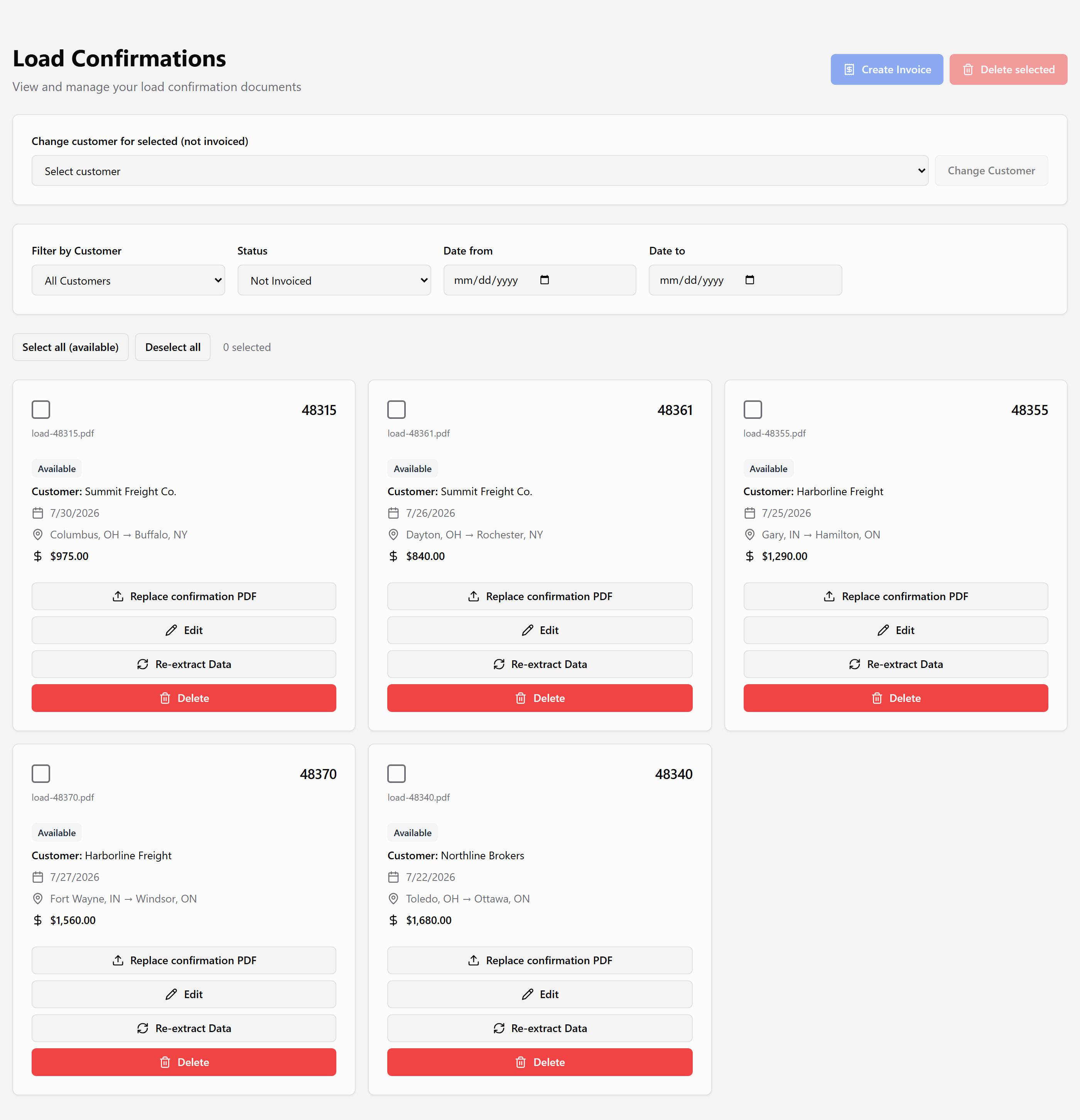
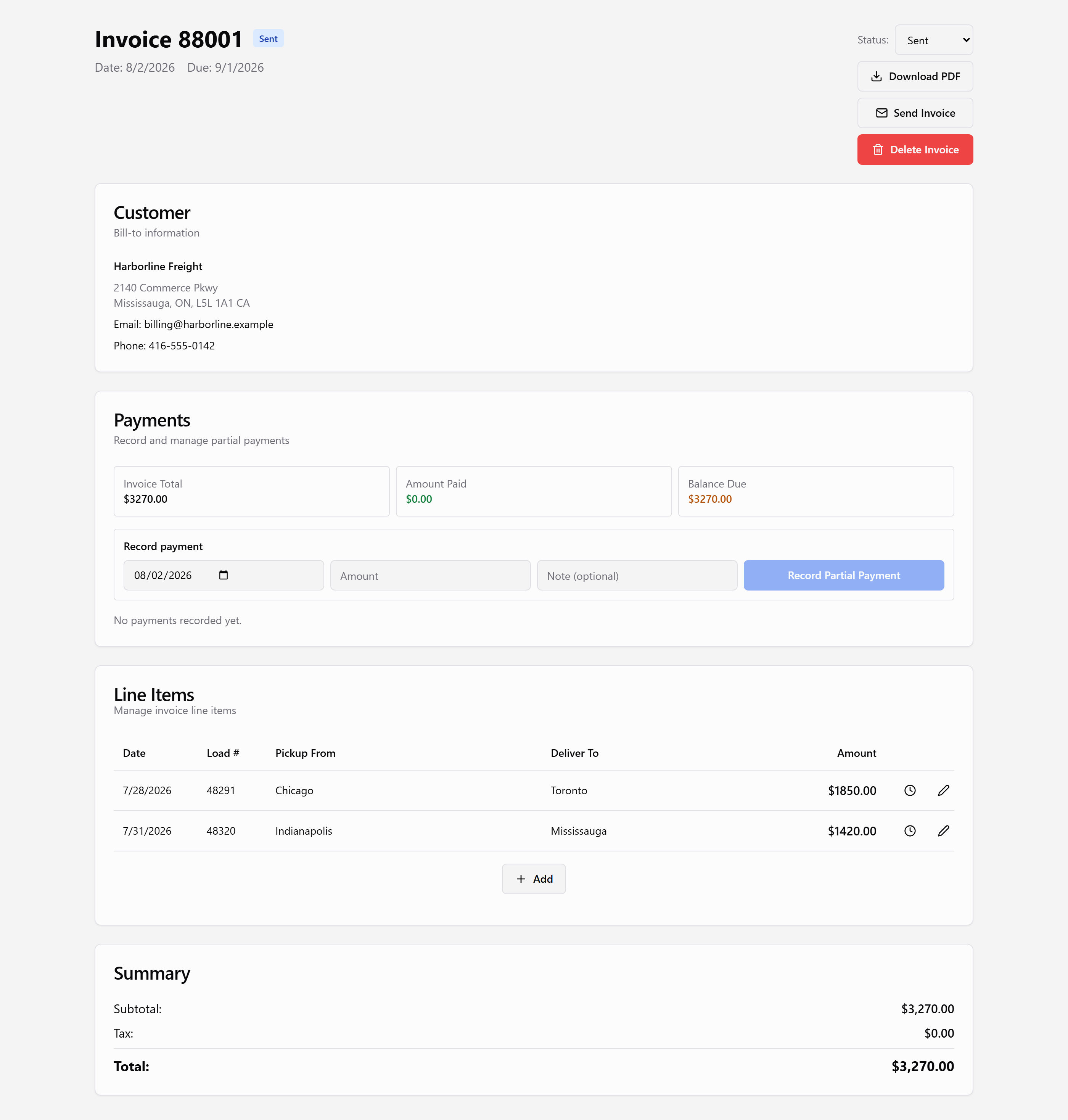
Select available confirmations, let AI help build line items, and generate a professional PDF. When you are ready, merge the invoice with the rate confirmation and BOL into one file for the broker.
Store payment terms, tax rates, and contact info per customer so due dates and totals stay consistent every time — whether you bill in Canada or the US.
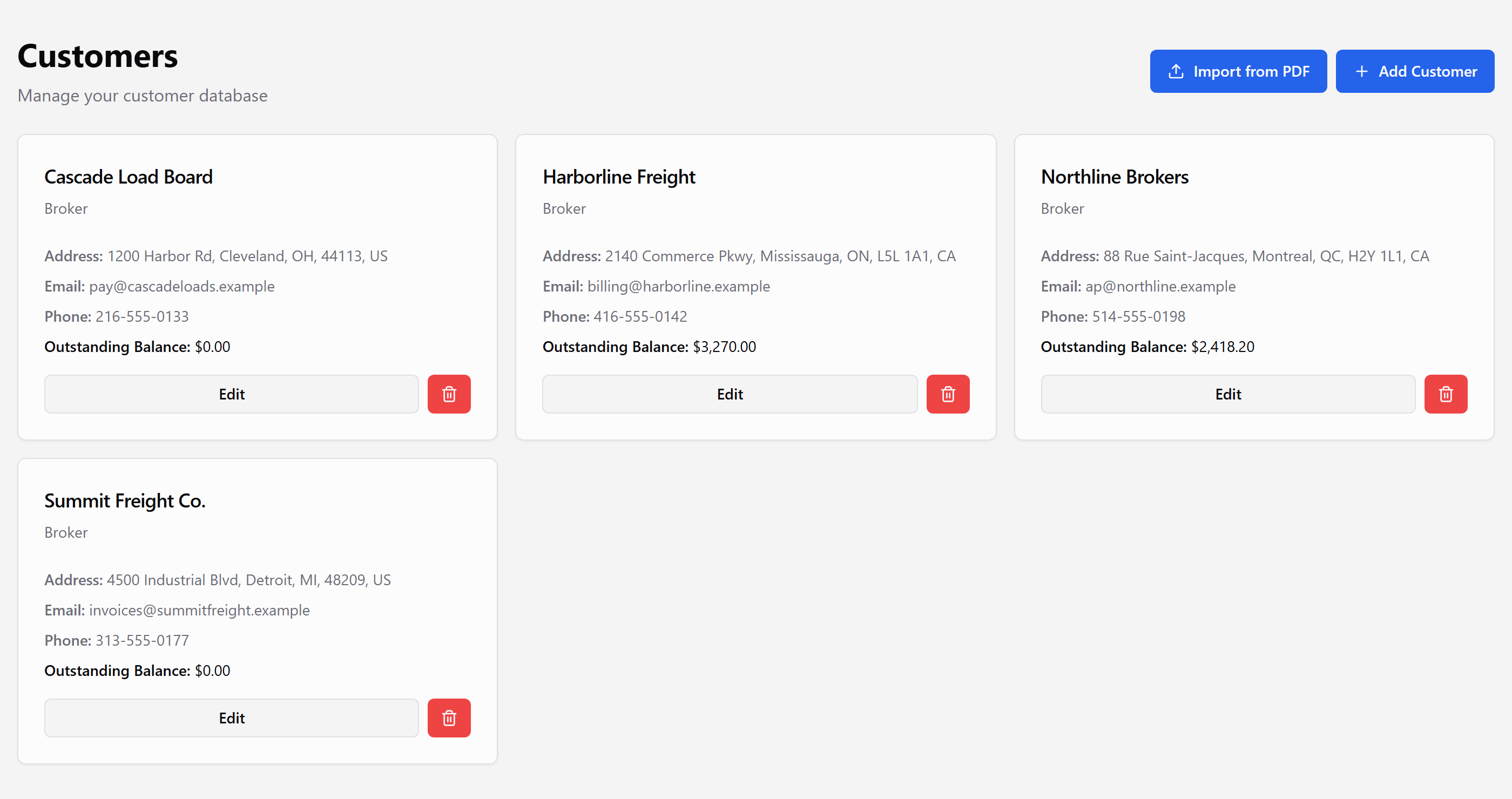
Email the invoice when you are ready. Track draft, sent, paid, and overdue without a separate spreadsheet.
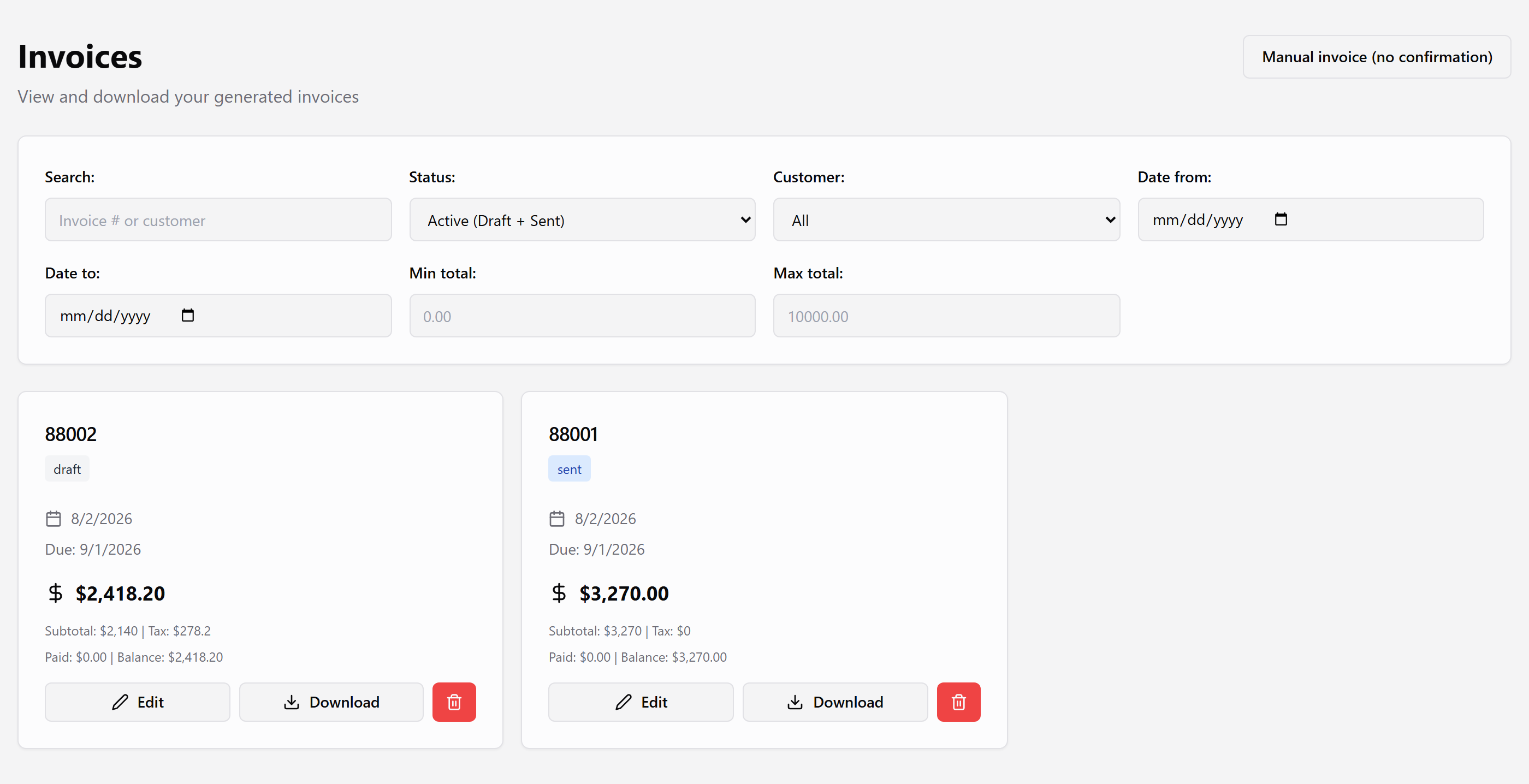
Three steps from PDF to a billable invoice.
Add one PDF or a scanned stack. Set pages per load when you need to.
AI extracts the details. Click text from the document to confirm or correct each field.
Generate the invoice, optionally merge in the rate confirmation and BOL, then email the broker.
Already invited? Log in and bill your next confirmation.
Want access? Email support@loadcan.com
Log in