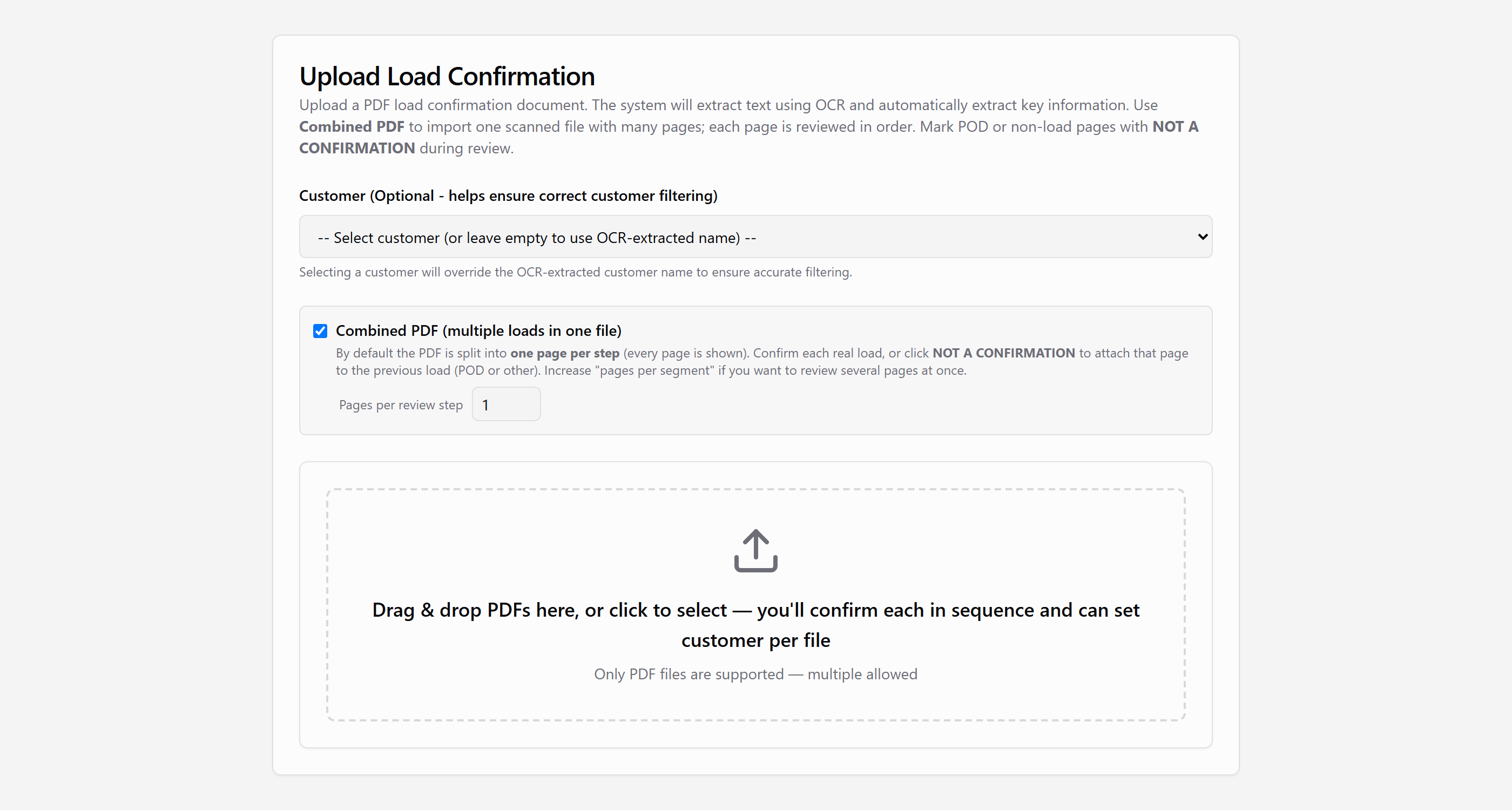
Scan a stack. Upload it once.
Drop in one confirmation or a whole batch. Combined PDF mode lets you set how many pages belong to each load, so multi-page scans and POD pages stay with the right confirmation.
Invite-only beta. To request access, email support@loadcan.com
LoadCan
Built for carriers. Upload your PDFs, confirm the details, and send a clean invoice your brokers will recognize.
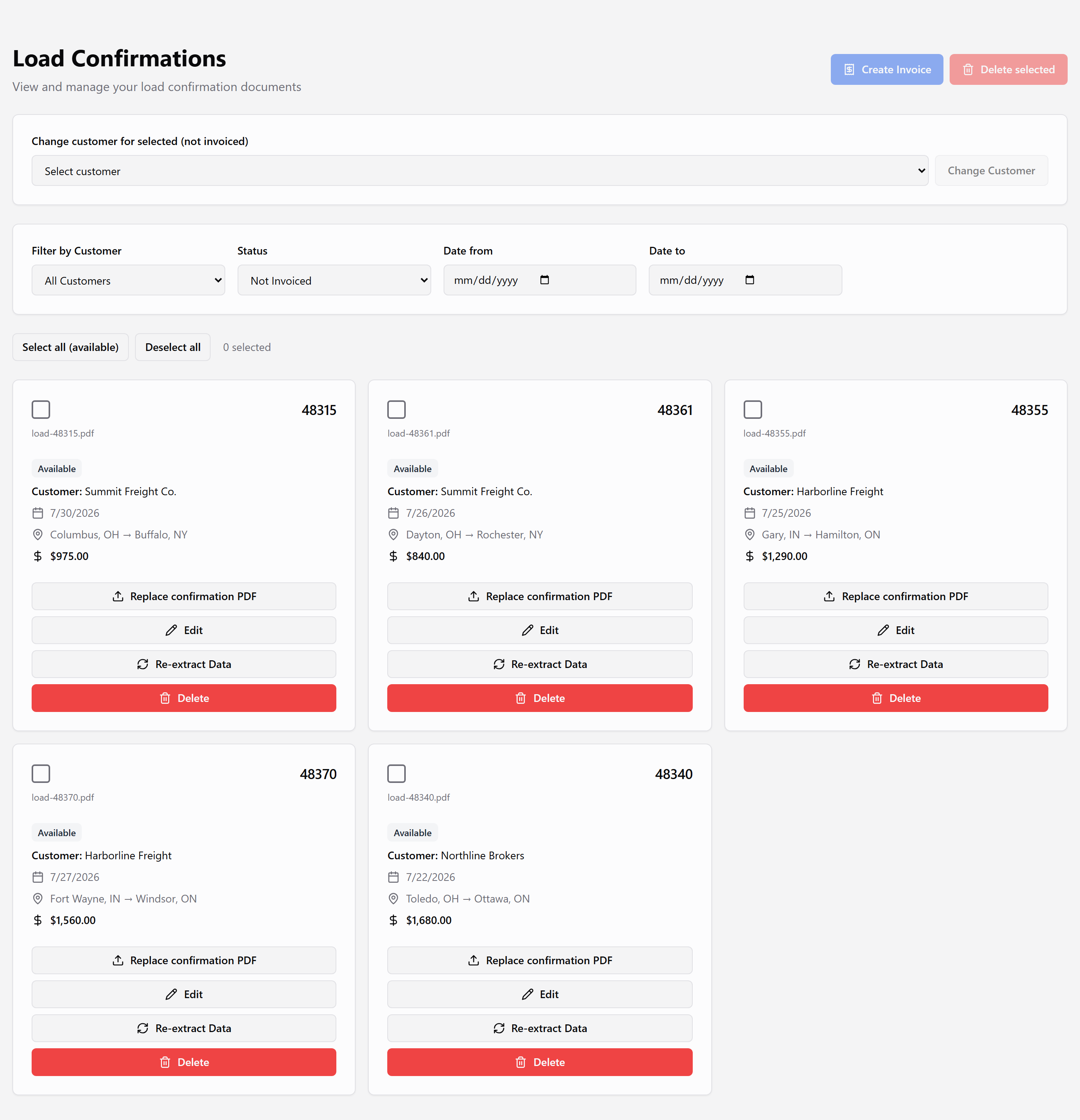
From confirmation PDF to sent invoice — a steady workflow carriers can trust every day.
Drop in one confirmation or a whole batch. Combined PDF mode lets you set how many pages belong to each load, so multi-page scans and POD pages stay with the right confirmation.
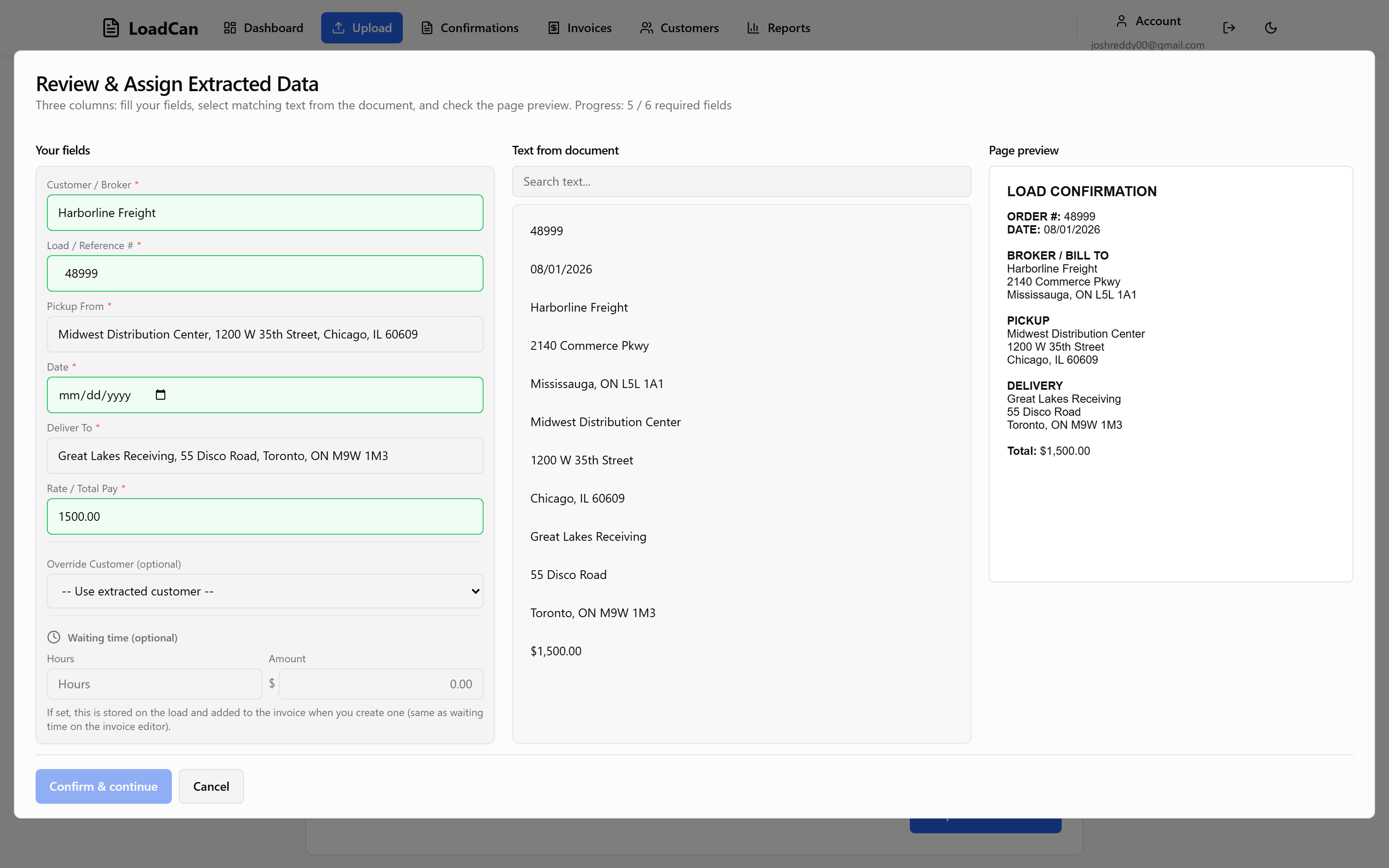
Open the review screen, then assign customer, pickup, and delivery by selecting text from the document. You confirm company names and addresses before anything is saved.
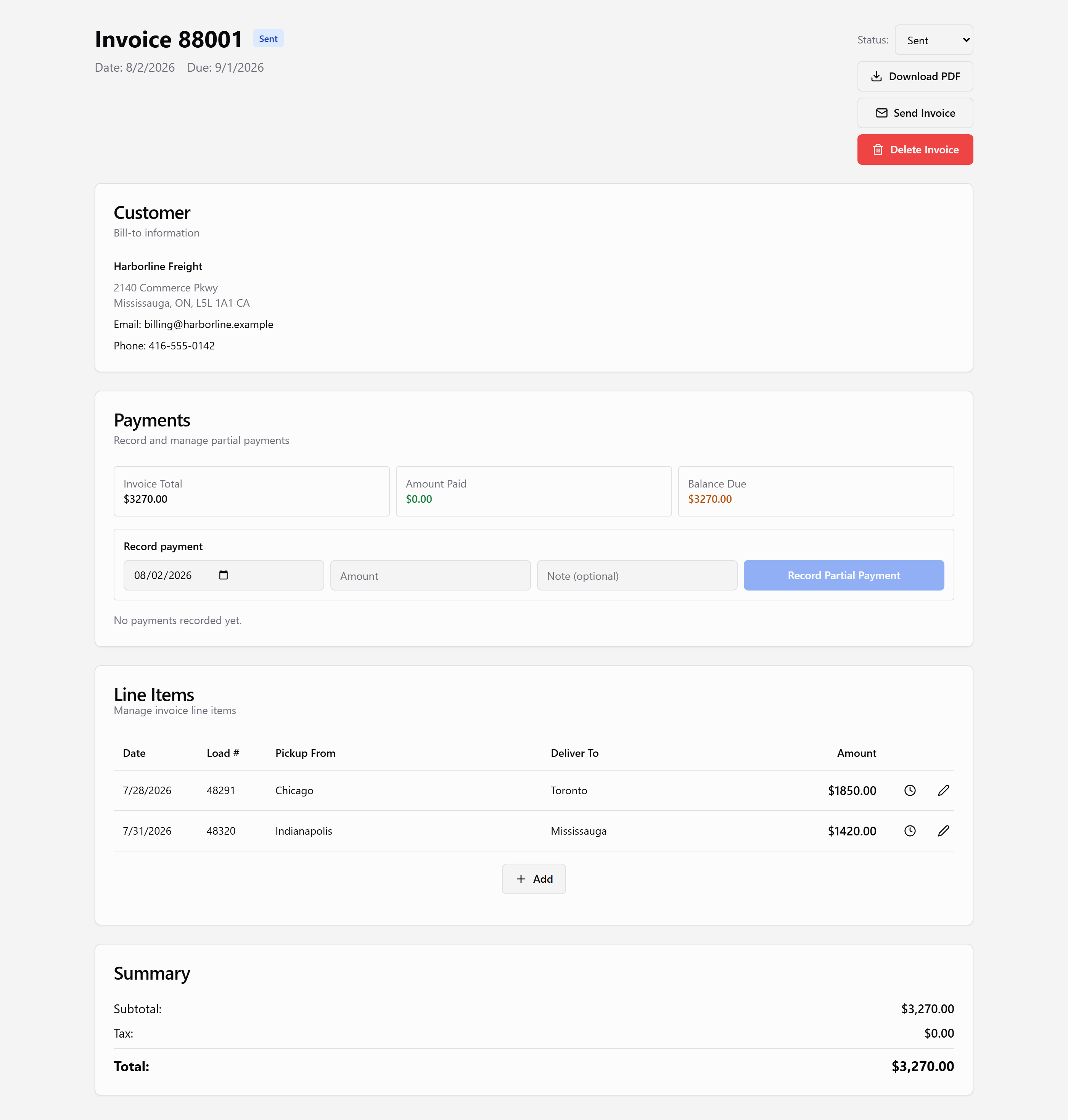
Select available confirmations, build line items automatically, and generate a professional PDF your customers can pay against.
Store payment terms, tax rates, and contact info per customer so due dates and totals stay consistent every time.
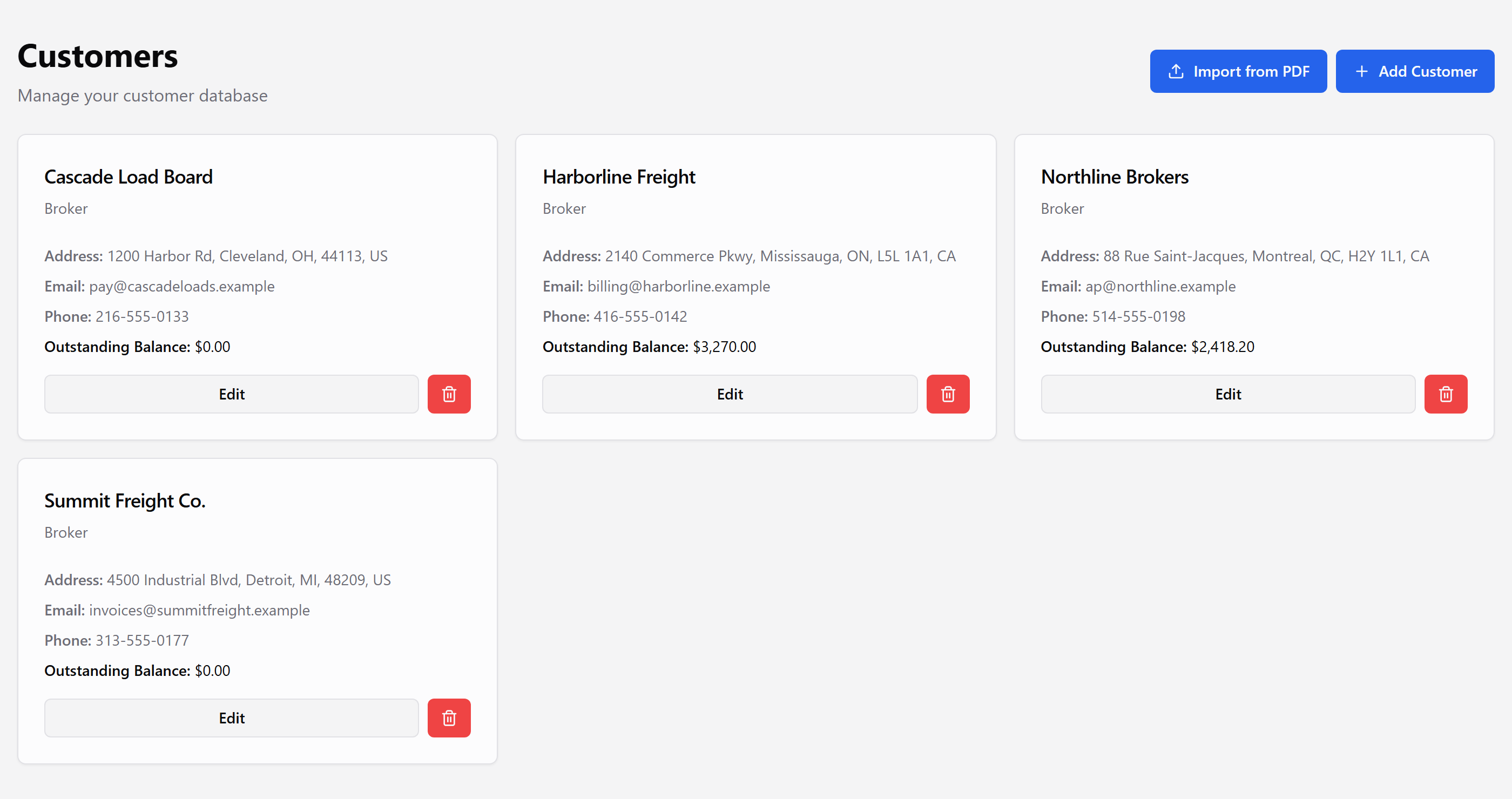
Email the invoice when you are ready. Track draft, sent, paid, and overdue without a separate spreadsheet.
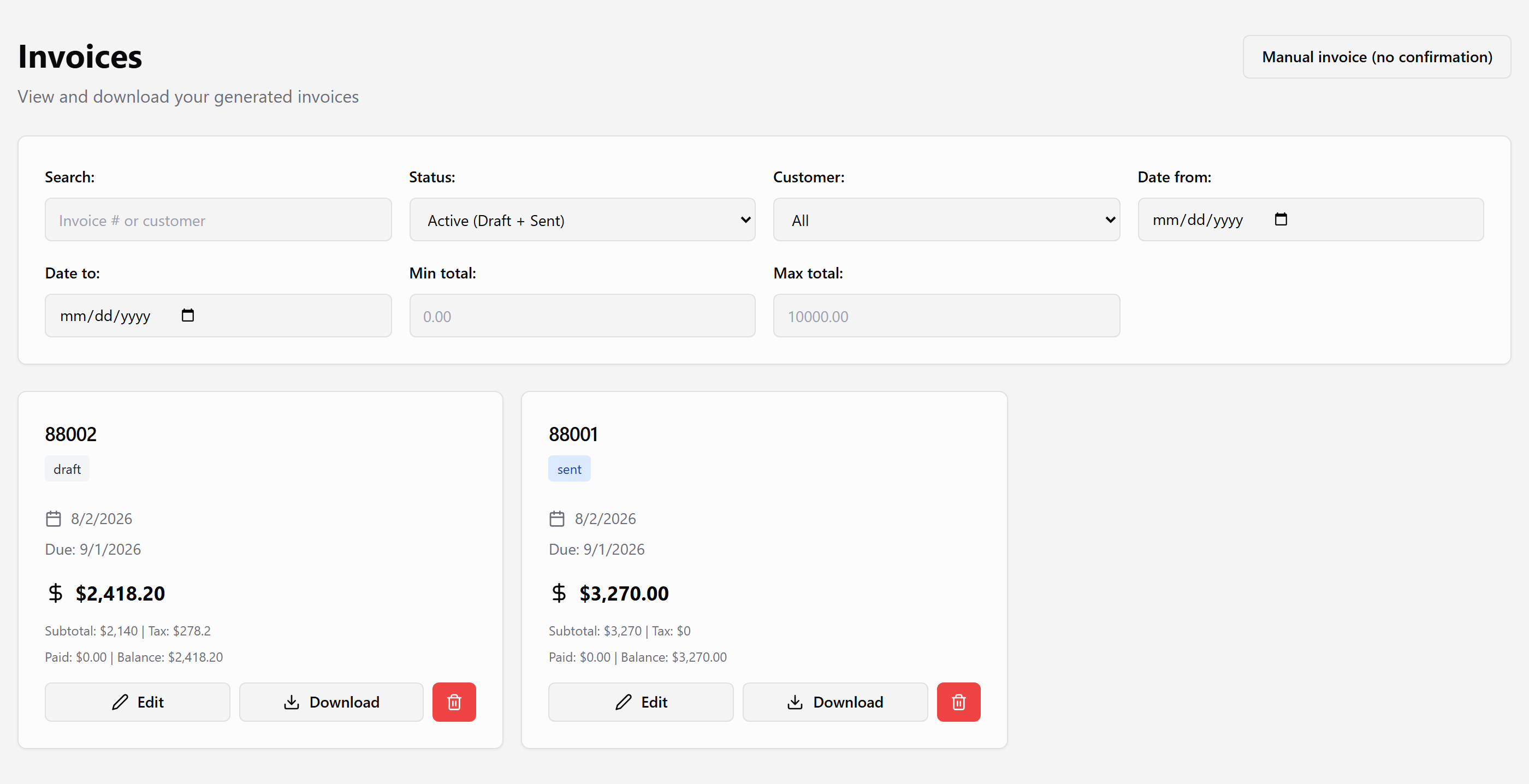
Three steps from PDF to a billable invoice.
Add one PDF or a scanned stack. Set pages per load when you need to.
Click text from the document to fill each field, then confirm.
Create the invoice, download the PDF, or email it to your broker.
Already invited? Log in and bill your next confirmation. Want access? Email support@loadcan.com
Log in